



Cosmos Mobile Banking – Smarter. Faster. More Secure.
New Era of Digital Banking
Experience banking like never before with a powerful combination of convenience and innovation. The new Mobile Banking App offers a refreshed user interface, faster navigation, and simplified processes assuring that every interaction is smooth and intuitive.Say goodbye to complexity and enjoy a truly customer-centric digital experience.
All Your Banking, One Powerful App
The new Mobile Banking Application continues to offer all existing features of Cosmo GenZ, while significantly enhancing performance, usability, and security. Whether it’s managing accounts, transferring funds, or staying updated, everything is now faster, safer, and more intuitive.Upgrade to a Better Banking Experience
Download the new Cosmos Mobile Banking App and experience the perfect blend of technology, convenience, and security—right at your fingertips.Special Features
- Brand New User Interface
- Self- Onboarding with Net Banking Credentials
- MPIN/Biometric Login
- Online Deposits
- Debit Card Management
- All-in one Bill Payments & Recharge
Useful Links
- For any queries, call us on our toll-free number 1800 233 0234
- Or send us an email on ibhelp@cosmosbank.in
-
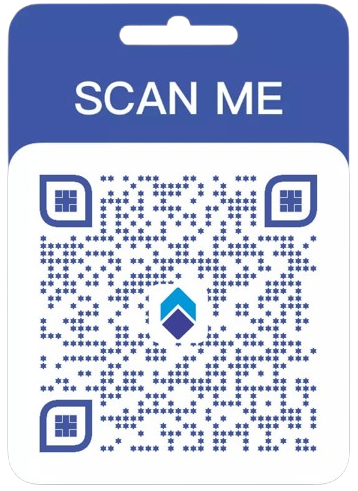
Download Links – Google Play

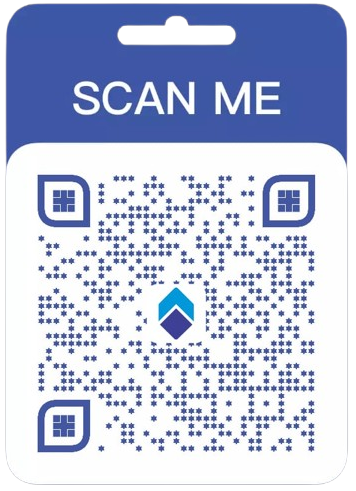
 Download Links – App Store
- To access our net banking portal, visit this link: online.cosmos.bank.in
Mobile Banking Application checksum Value:
A checksum is a value used to verify integrity of a file or a data transfer. In other word, it is a sum that checks the integrity of data/file; this assures the receiver that the files/data has not been compromised.
| Store | Version | Checksum Value for Cosmos MobileBanking application |
|---|---|---|
| Apple App Store | 1.2.0 | ece873a6e31b8988929077a45b039f062c4a57097eaa5f85df9187aece156f7d |
| Android Play Store | 1.2.0 | b98d39bccc8b11bbd834f44234f1ec5be9dc4f46a187ce6aec695f3795cb322e |
Features of Checksum Validation
- To verify that the content in the File is of integral nature
- To confirm that the file has neither been altered by unauthorized third party, nor been damaged during the transfer process across the internet
Note:- Always use the latest version for better experience.
Registration Steps for Mobile Banking Application :
Registration Steps for Mobile Banking Application: click here.,
Demo Video Link:
How to Register on Cosmos Bank MobileBanking Application | Step-by-Step Guide :
Quick Fund Transfer Using Cosmos Bank MobileBanking App | Step-by-Step Guide :
Request Cheque Books & Stop Cheques Instantly :
How to Manage Your Debit Card Using Cosmos Bank MobileBanking App | Step-by-Step Guide :
Step-by-Step Guide to Open FD and RD Using Cosmos Bank MobileBanking App :
How to Transfer Funds to Registered Beneficiaries :
Get In Touch
Our Expert will call you back on the number provided by you within 24-48 hours to assist you further. Thank you for your interest in Cosmos Bank
*Terms and Conditions Apply